If you are like me, you probably have several photo albums somewhere in the house that, typically, just collect dust. While you meant well and had every intention of looking at them often, somehow they have slipped into oblivion.
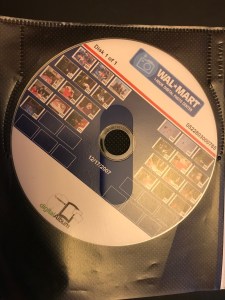
I have luckily lived through the film days and the early digital days to arrive where we are today with large inexpensive hard drives and cheap data storage. Unfortunately, I am stuck with a bunch of photo albums from the film days and a several image CD’s from Walmart, or other film shops, before hard drive space was plentiful and inexpensive.
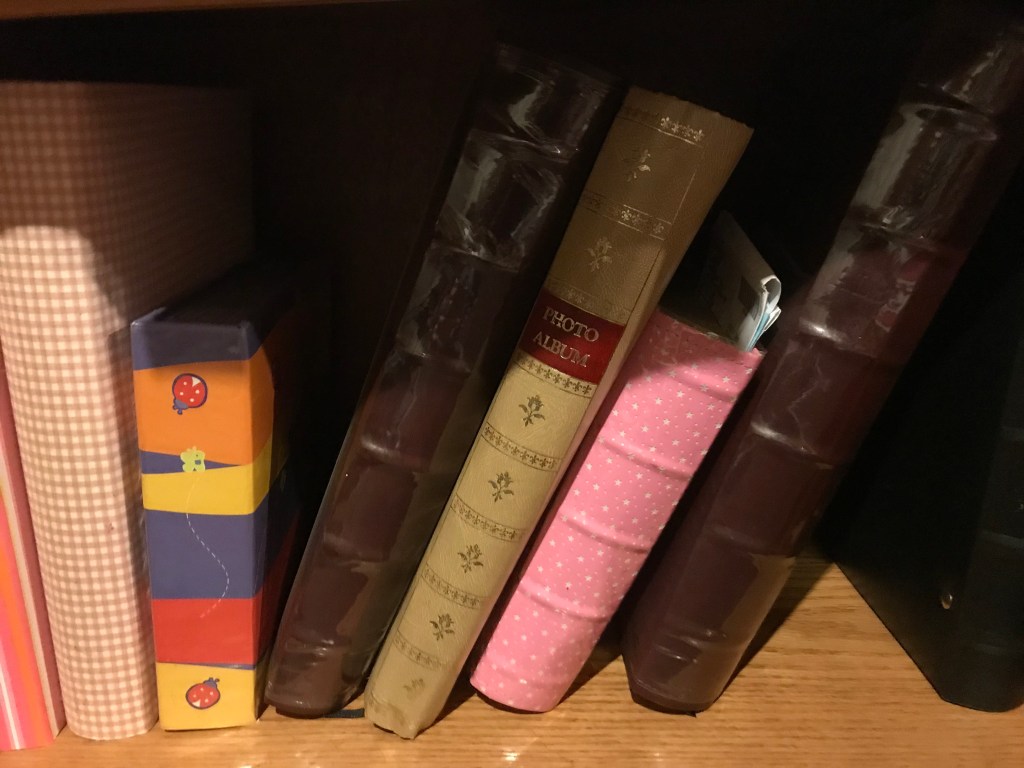
If you are like me, what do you do now? That was my question and it became even more complicated with my mother passed away and I inherited all of her photos too. By now, my wife and I were Facebook users sharing out digital images with friends (who may or may not really care) and with the Facebook reminders we relived the moments. So much for all the photo albums that my wife had painfully assembled. They were now relegated to our home storage room.
However we are missing out on all the pre-digital images? Should they be called “analog” images? So, I started looking at the hardware we have in-house to digitize the photos. We have a Canon Multipass printer that we use as a copier, scanner, printer and Fax machine (whoa…haven’t sent one of those in a while). The task looked absolutely daunting with hundreds of photos to scan into the computer. I had visions of hours and hours of work and the photo albums started to look pretty good exactly as they were.
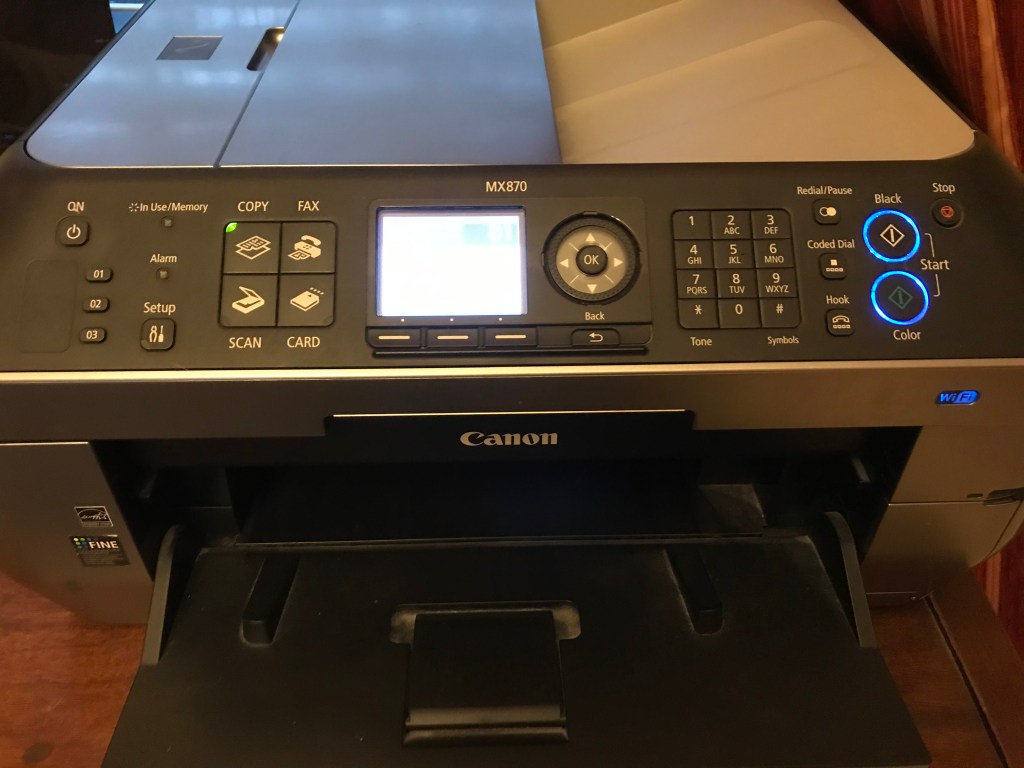
Then I stumbled on a bit of software that came with my printer that really isn’t highlighted or promoted in the printer specs. Called the Canon MP Navigator, it helped guide us through the scanning process and while I previously used it, I didn’t initially see that it would auto-detect multiple documents on the printer platen (glass scanner surface). I quickly selected photos, 600 dpi and tried multiple pictures. Voila, the printer did a quick peek to see how many photos were on the platen, then scanned each separately into the software.
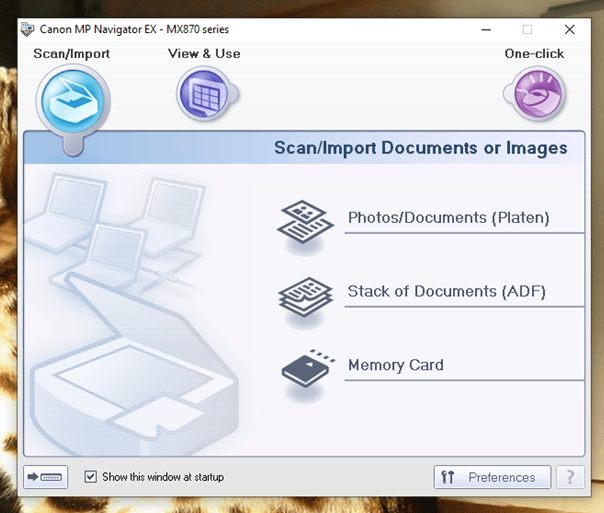
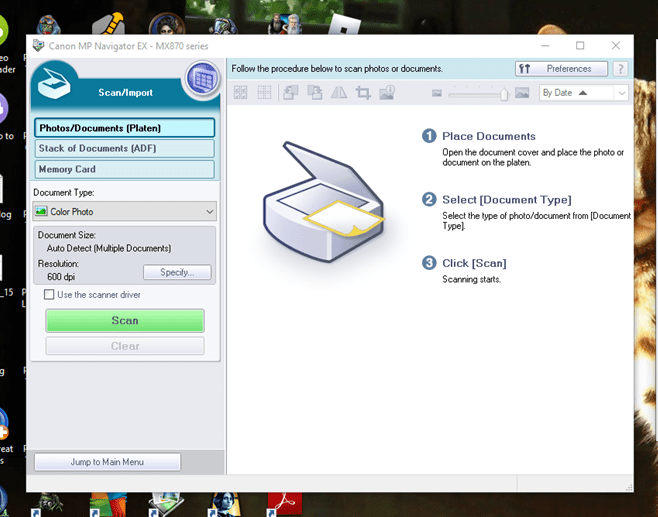
Was it perfect…no. Sometimes it would connect photos close together and would only do a maximum of 4 photos per scan but hey, it was much better than one at a time and the software got it right 95% of the time. So off I went evenings and some weekends when at the computer anyway, scanning 3-4 pictures at a time until all of the photo albums, my mom’s photos and Walmart/Walgreen’s CD’s were all on my hard drive ready now to be accessed at a second’s notice. Did it still take a while, yes! But the project was satisfying, almost free, and the time spent was more productive than watching TV reruns and definitely better than watching cable news shows with all the political bias, ranker, and commentary they can muster.
While my wife initially felt I was a bit crazy for scanning everything in, I now have all my photos in a digital format so I can look at them anytime I want or send them to friends. My wife loves it too! She is so glad to quickly look at or send any photo in our digital library. No matter what the original pictures size, they can be easily enlarged for a closer look and, using photo software, can even be cleaned up (more on that later). My photo tree is dated chronologically with a short memo to help me remember what they are about. The tree starts in the 1940’s and runs to present. I am so happy to completely be in the digital age with ALL my photos. The only thing sad to see was how few photos we took during the film era. Film photography was so expensive that it seems like it was reserved only for “special occasions” and you never really knew what you had until they were developed…and then it was too late. Now things are incredibly nice and easy.
My printer is an older model Canon Multipass and, likely, the newer Canon’s may be able to scan more images per pass, at a higher dpi rate and quicker than mine. I am sure other printer models (see Epson below) have similar features or are dedicated for photos. Check out your printer/scanner and see if you too can have all your pictures neatly on your hard drive or maybe invest a little and get a lot of enjoyment back. BTW- don’t forget to back the files up to an external hard drive or put them up into the cloud. I wouldn’t want to see all your hard work go “poof” with a hard drive failure.


I guarantee that if you have all your pictures digitally you will use them more, enjoy them more, and share them more compared to just sitting in an album. Let me know if you too put the time in and if this information inspired you to “go fully digital”! I love to hear your thoughts and comments!



 The Sane Adventurer
Some 20 years ago i went to London with my sister and, as you may imagine, we took a lot of photos that, nowadays, are in a family album 🙂 i still like to see those photos, but these days it became so normal to takes photos with the smartphone that we’re losing that tradition… it was nice to read your post 🙂 have a wonderful week! Cheers from Portugal, PedroL
LikeLiked by 1 person
Thanks so much for your kind words
LikeLiked by 1 person
You’re welcome Robert 🙂 have a wonderful weekend! PedroL
LikeLiked by 1 person